Why Isn’t My Business Showing Up on Google? A 5-Step Diagnostic
Last updated: July 13, 2026 · By Ryan Smeltz, US Army veteran & founder
Last updated: May 5, 2026 · 9 min read · By Ryan Smeltz, Founder of Secret Optimizer
TL;DR
- Almost always one of: unverified GBP, NAP inconsistency, weak reviews, wrong category/service area, or suspended profile.
- Verification is mandatory. Unverified GBPs do not appear on Google Maps at all.
- 30-minute self-audit checklist at the bottom of the post tells you which problem is yours.
The most likely cause in one paragraph
If your business isn’t showing up on Google, the cause is almost always one of five problems, in this order of likelihood: (1) your Google Business Profile isn’t claimed or verified, (2) your business name and address are inconsistent across the web, (3) you have no recent reviews, (4) your category or service area is set wrong, or (5) Google has flagged your profile for manual review or suspended it. Below is the diagnostic for each, in priority order. Most of these are fixable in under a day; the rest take a couple of weeks for Google’s database to update.
Step 1: Verify your Google Business Profile is claimed and verified
The single most common cause of “I’m not showing up on Google” is an unverified or unclaimed Google Business Profile. Google’s local algorithm gives unverified profiles almost no weight in rankings.
How to check: Go to business.google.com and sign in with the email you’d use for the business. If you see a “Verify now” button or a yellow banner asking you to verify, that’s your problem.
How to fix: Verify your profile. In 2026, verification options include video verification (a 30-60 second video of your business and signage), postcard (5-14 days), phone (immediate for some categories), and email (rare). Verification is mandatory — unverified profiles do not appear on Maps at all.
Once verified, complete every single field on your profile. Most profiles are 60-80% complete. The 20-40% gap is where you lose to competitors who fill it all in. Specifically: 50+ photos, all service categories, all service descriptions with prices, hours, attributes, From the Business description, and 3 GBP posts per week starting week 1.
Step 2: Check NAP consistency across the web
NAP = Name, Address, Phone. NAP consistency means your business uses the EXACT same three pieces of information across every place it appears online — your website, GBP, Yelp, BBB, manufacturer dealer locators, industry directories.
How to check: Search your business name on Google. Click through the first 5 pages of results and look at every listing. Note the variations: “ABC Plumbing” vs “ABC Plumbing Inc.” vs “A.B.C. Plumbing LLC”; old phone numbers from before you switched providers; missing suite/unit numbers; “Street” vs “St” inconsistencies.
How to fix: Pick one canonical NAP. Update every listing to match exactly. For most small businesses with under 50 existing citations, this is a one-day project. For 100+ listings, use a tool like BrightLocal or Yext ($99-$500/year) to manage it. Either way, do it once thoroughly, then re-audit every 6 months.
Step 3: Check your reviews — count, recency, response rate
Google heavily weights reviews in local rankings. The threshold where most local service businesses start ranking in the local 3-pack is around 25 reviews with at least one in the last 30 days. If your competitors have 200 reviews and you have 8, you’ll be invisible regardless of how good your website is.
How to check: Look at your GBP. Count total reviews. Look at the most recent review date. Look at your owner-response rate.
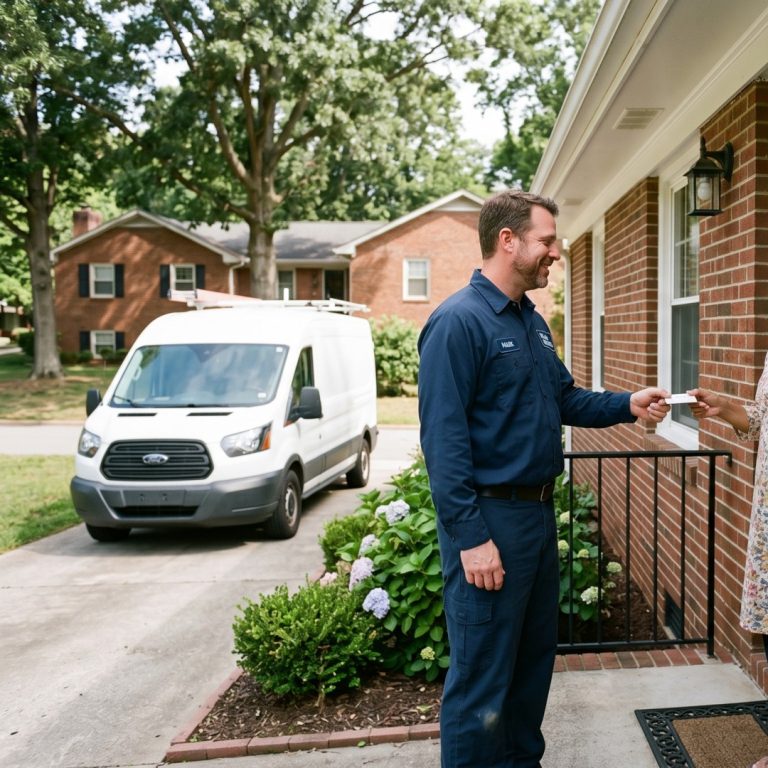
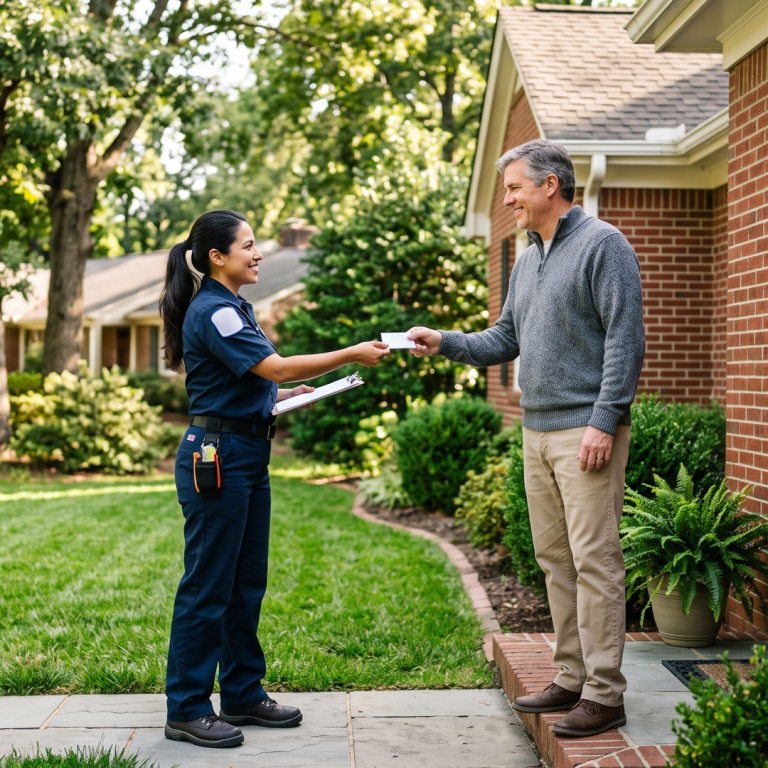
How to fix: Build a sustainable review-request system. The playbook is simple: ask every happy customer in person at the end of the job, hand them a card with a QR code that goes directly to your review form, and follow up by text 24 hours later if they haven’t reviewed. Reply to every review within 48 hours. Don’t buy reviews; don’t offer discounts in exchange. Both are detected and penalized.
Realistic targets: 5-10 new reviews per month consistent. 50+ reviews total within 6 months. 100+ reviews within 12 months for competitive markets.
Step 4: Check your category and service area
Two common configuration mistakes:
- Wrong primary category. If you’re a plumber but your primary category is set to “Contractor” or “Construction Company,” Google won’t show you for plumbing searches. Pick the most specific category that matches what you actually do.
- Service area too broad or too narrow. If you list 30+ cities as your service area, Google reads it as desperation and confusion and ranks you nowhere specifically. The optimal service area for a single-truck service business is 5-8 specific cities you can drive to within 30 minutes.
How to fix: In your GBP, set the most specific primary category. Add 5-9 secondary categories that match your real services. Set service area to your real catchment, not aspirational reach.
Step 5: Check whether your profile is suspended or under review
If everything else looks right and you’re still not showing up, your profile may be suspended. Google’s notification often gets buried in email.
How to check: Sign in to GBP. A suspended profile shows a banner at the top explaining the suspension. Google also emails the owner email on file — check your spam folder.
Common suspension triggers in 2026:
- Using a virtual office, UPS Store box, or iPostal1 mailbox as your address
- Listing a service area but also keeping a fake storefront address
- Adding keywords to your business name (“ABC Plumbing — 24 Hour Emergency Service Raleigh”)
- Multiple GBP listings for the same business at the same address
- Mass review changes (reviews that all appeared on the same day from new accounts)
How to fix: If you’re suspended, the path back is via the GBP support reinstatement form. Be honest about what happened and provide proof of your real business operation. Reinstatement typically takes 5-30 days.
If none of the above is your problem
If your GBP is verified, NAP is consistent, reviews are flowing, category and service area are right, and you’re not suspended — but you’re still not showing up — the issue is competitive ranking, not visibility. You exist in Google’s database; you’re just being outranked.
The fix in that case is the standard local SEO playbook: more reviews, more recent photos, more GBP posts, optimized service categories, and a website with proper schema. We cover the full ranking playbook in our guide to ranking in Google’s local 3-pack.
The 30-minute self-audit
Block 30 minutes. Walk through this checklist:
- [ ] My GBP is verified (not just claimed — verified)
- [ ] My business name is exactly the same on my website, GBP, Yelp, BBB, and Apple Maps
- [ ] My phone number is exactly the same on those listings
- [ ] My address is exactly the same — including suite/unit numbers
- [ ] My GBP has 25+ Google reviews
- [ ] At least one review is from the last 30 days
- [ ] I respond to reviews within 48 hours
- [ ] My GBP primary category is the most specific match for what I do
- [ ] My service area is 5-12 cities I actually drive to (not “all of NC”)
- [ ] My GBP has 50+ photos uploaded
- [ ] I post to GBP at least 3 times per week
- [ ] I’m not currently suspended (no warning banner in GBP)
If you check all 12, your visibility issue is competitive, not configuration. If you miss any, fix that one first and give it 30-60 days before judging.
If running this audit yourself is exactly the kind of work you’d rather hand off, our managed services include monthly GBP audits as part of every plan. Or run our free local SEO audit to get a quick read on where you stand right now.
Frequently asked questions
How do I know if my Google Business Profile is verified?
Sign in to business.google.com. If you see a "Verify now" button or a yellow banner asking you to verify, you're unverified. Verification is mandatory — unverified profiles do not appear on Maps at all.
Why isn't my Google Business Profile showing up on Maps?
Five possible reasons in order of likelihood: unverified GBP, NAP inconsistency across the web, no recent reviews, wrong category/service area, or suspended profile. Walk through the diagnostic in this post — most issues are fixable in under a day.
How long does it take for changes to show up on Google?
GBP edits typically appear within 1-7 days. Significant changes (new categories, address changes, suspensions reinstated) can take 14-30 days for Google's index to fully update. Be patient — making 5 changes in a week and judging immediately is worse than making one change and giving it 30 days.
How do I fix NAP inconsistency?
Pick one canonical version of your name, address, and phone. Update every listing across the web to match exactly — same punctuation, same abbreviations, same suite/unit number. For 30 listings, this is a one-day project. For 100+, use a paid service like BrightLocal or Yext.
How many reviews do I need to rank locally?
In the Triangle, most service businesses need around 25 reviews to enter the local 3-pack and 100+ to be competitive. Specific verticals (legal, dental, real estate) need 200+.
My business is suspended on Google. How do I fix it?
Submit a reinstatement request through the GBP support form. Be honest about what happened and provide proof of your real business operations (utility bills, business license, vehicle photos). Reinstatement typically takes 5-30 days. Don't resubmit multiple times — that delays the process.
Can I use my home address for my Google Business Profile?
Only if you operate from home and customers don't come to your location. In that case, configure as a service-area business and hide the address. Listing your home address publicly when it's not a real storefront violates Google's policy.
Want us to run this audit on your site?
Free, instant, 12 checks. No credit card. No call. Just a real audit you can act on.
Run my free SEO audit[/so_button]Run my AI search audit[/so_button][/so_button_row]
About the author
Ryan Smeltz is the founder of Secret Optimizer and a 15-year veteran of small-business marketing. He's run SEO programs for plumbers, electricians, HVAC contractors, gyms, and salons across the Raleigh / Triangle area of North Carolina. Every Secret Optimizer blog post is human-edited; AI assists with research and drafts but never with strategy or claims about results.
More in this series
This is the cornerstone guide. The deeper-dive companion posts:
- → Why Isn't My Business Showing Up on Google Maps?
- → How to Get More Google Reviews (Without Begging or Paying)
- → NAP Consistency: Why It Matters for Local SEO in 2026
- → How to Rank in the Google Local 3-Pack in 2026
- → Do Local Citations Still Matter for SEO in 2026?
Want this as a step-by-step guide?
A day-by-day plan for the next 30 days: what to fix, in what order, and how to tell it worked. Built for an owner with an hour a day, not an agency retainer.
30-Day Local SEO Plan — $27 See all guides
Written by a veteran-owned agency in Zebulon, NC. Instant download, no subscription.